

Verimly Agent · Live

Built forE-commerce teamsMarketing teamsAdvertisers

Be the first to know when a competitor moves

Tracks your competitors for you: campaign and price changes on their websites every day, their Meta and Google ads every week. It flags what matters after each daily run and sums it up in a presentation-ready report every week and every month.

Currently available to Verimly clients only.

See example outputs
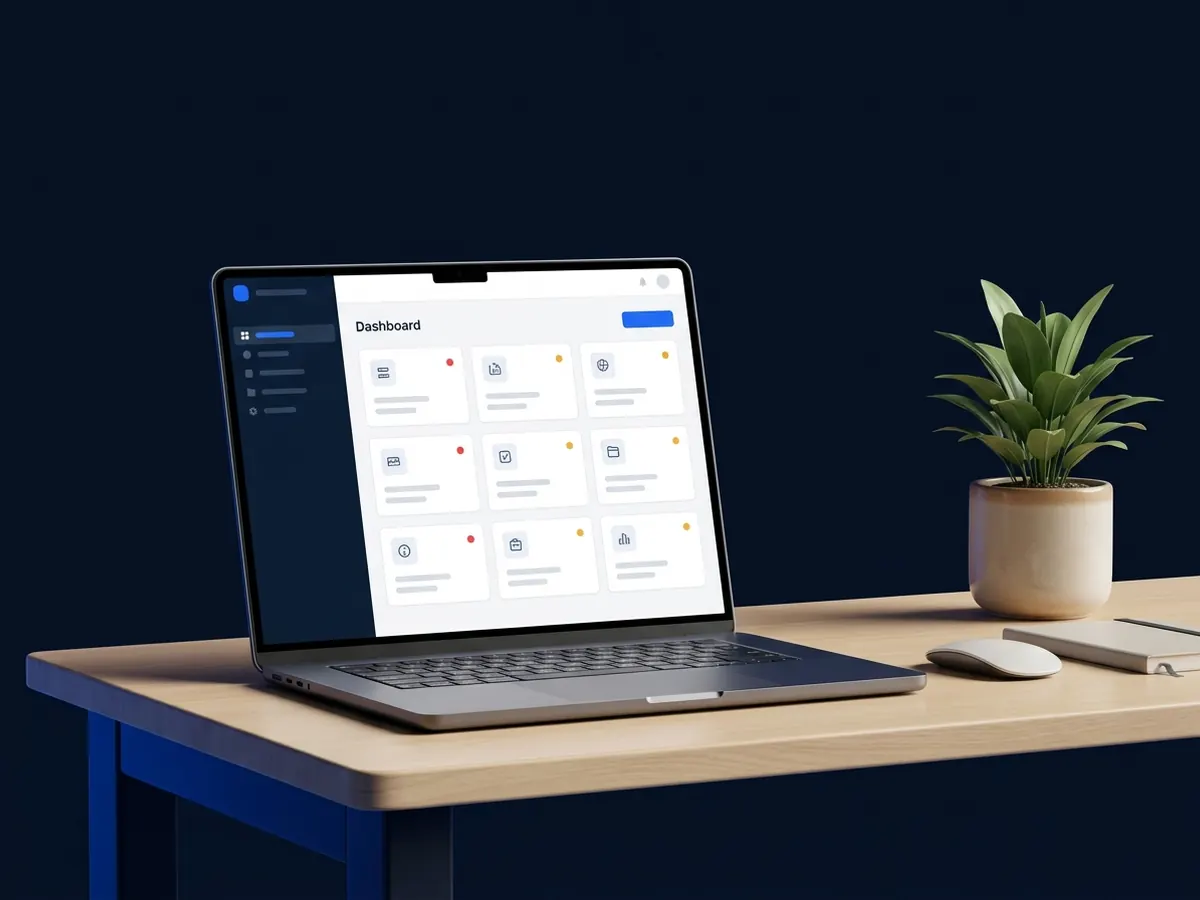
A tidy desk with a laptop showing an organised dashboardExampleSummary dashboard
Example visuals · illustrative

From scattered tabs to one dashboard

Daily

Competitors' campaign, pricing and page changes are scanned every day.

Weekly

New and stopped ads across Meta and Google ad libraries are tracked.

Monthly

A presentation-ready report sums up the entire month of competitor activity.

These figures describe the cadence and tracking scope of the agent; they are not results for your brand.

// What it does

Catch competitor moves and respond the same week

All visuals below are illustrative examples; they show the tracking workflow, alerts and report formats provided by the agent.

A marketer looking at an alert about a change on a competitor's site
Example

01

Don't miss their campaigns

When a competitor's new discount or promise goes live, your team hears about it too; you don't wait weeks to respond.

  • Site and page tracking Campaign, pricing and product pages are checked daily to catch new pages and banner changes.

  • Ad libraries Meta and Google libraries are scanned to spot newly launched or paused ads.

  • Noise filtering Minor shifts like countdown clocks are filtered out, while major moves trigger same-day alerts.


Track campaigns
A chessboard played with price-tag shaped pieces
Example

02

Be ready for price wars

When a competitor cuts prices you see when and by how much, so you set your own prices on data, not guesses.

  • Price and discount history Price changes on product pages are recorded, showing exactly when a discount started and ended.

  • Offer details Free shipping, promo codes and bundle offers are extracted from ads and landing pages.

  • Data-driven response Set your own pricing and promotional response using concrete competitor data rather than guesswork.

Track price moves
A presentation screen comparing two brands in a meeting room
Example

03

Reports ready for management

A presentation-ready report arrives every week and every month; no more collecting screenshots and building slides.

  • Weekly and monthly cadence A weekly summary every Monday and a full management report at the start of each month.

  • 16:9 presentation format Delivered ready to present in browser, PDF and editable PowerPoint formats.

  • Expert commentary Includes an expert note alongside the AI summary explaining what the changes mean for your strategy.

See sample reports
// Before / After

Competitor tracking: from scattered tabs to one dashboard

Drag the handle: tracking by hand on the left, tracking with the agent on the right.

A tidy desk with a laptop showing an organised dashboard
A cluttered desk full of open tabs, screenshots and notes
BeforeAfterExample

BeforeDozens of tabs, screenshots and notes. A competitor's campaign is often noticed only when a customer mentions it.

AfterOne dashboard: changes ranked by importance, with before/after screenshots. The team stops searching for what changed and decides how to respond.

// How it works

How does it work?

01Step

Choose competitors

We choose the competitors together; the agent suggests the campaign, pricing and product pages worth tracking from their home pages.

02Step

The agent collects daily

It captures pages on desktop and mobile and scans the ad libraries; on day one it uses a week-old archive copy as the baseline.

03Step

Changes are sorted

Noise is filtered out and every change is rated; the important ones arrive as an alert the same day.

04Step

Report and expert note

A weekly report every Monday and a monthly report at the start of each month; an expert writes what it means and what you could do.

// Comparison

How can you track competitors?

CriteriaBy handGeneral monitoring tools
Verimly Competitor Analysis Agent
FrequencyWhen you find the timeDepends on the planWebsites daily, ads weekly
CoverageThe few pages you rememberThe channel the tool focuses onWebsite, sitemap, Meta and Google ads together
NoiseYou sort out what changedDepends on the settingsCounters and clocks are filtered out
OutputScreenshots and notesRaw data and dashboardsDaily alerts, weekly and monthly presentation reports
InterpretationYour own timeLeft to youAI summary plus an expert note
// FAQ

Frequently asked questions

Who can use the agent?

The agent is available only to Verimly clients (audit, ad management, ad consulting and Fractional CMO); it is not sold separately. Request a review and we will find the right service for you together.

Which sources does it track?

Competitors' public web pages and sitemaps, the Meta Ad Library and the Google Ads Transparency Center.

Does it show competitors' ad spend?

No. Competitors' spend is not public, and we don't present estimates as if they were real figures. The agent tracks the ads, offers and prices you can actually see.

Is this legal?

The agent only watches public information: ad libraries and competitors' public web pages. It does not access anything behind a login and does not accept cookie banners.

What format are the reports in?

A presentation-ready 16:9 report: in the browser, as a PDF and as an editable PowerPoint file. Important changes also arrive as alerts in Slack, Telegram or Discord.

// DEMO

Be the first to know what changed at your competitors.

Let us walk you through the agent with an example from your industry and decide together whether it fits.

Currently available to Verimly clients only.