

Verimly Agent · Live

Built forE-commerce sitesMarketing teamsCampaign brandsSite managers

Know your site is down before your customers do

Regularly checks whether your website and key pages have gone down and alerts you as soon as something is wrong, so your ad budget is not spent on broken pages or checkout steps.

Currently available to Verimly clients only.

See example outputs
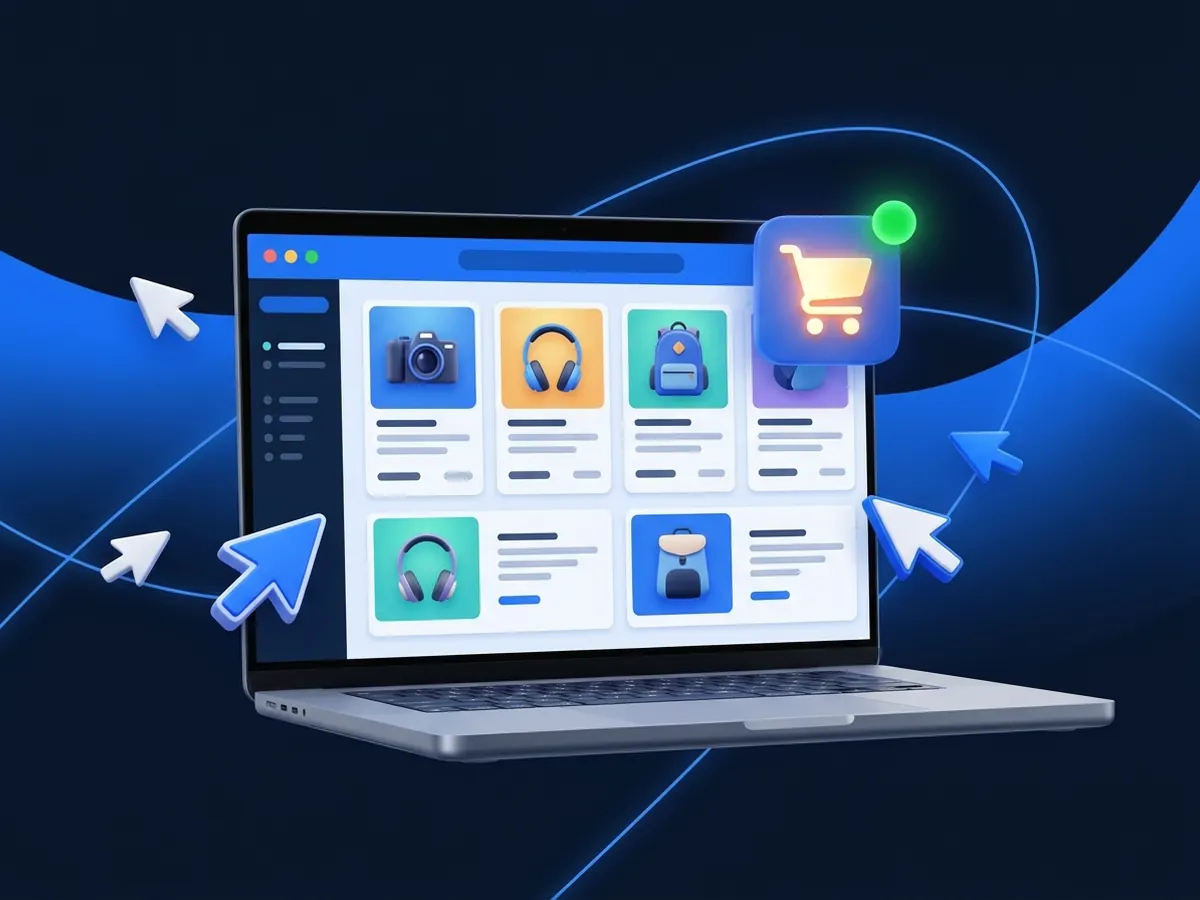
A working shop page with product cards and a full cart iconExampleCart page
Example visuals · illustrative

Stop paying for a closed door

Instant

When a page stops responding, you get an alert right away on the channel you choose.

3 checks

HTTP status codes, on-page critical element verification, and SSL certificate tracking.

Ahead

You are warned before the SSL certificate expires, so visitors never see a “not secure” warning.

These describe how the agent works; they are not results for your brand.

// What it does

Monitor critical pages regularly and catch outages immediately

All visuals below are illustrative examples designed to demonstrate the agent’s monitoring logic, alert flow, and certificate tracking.

Glowing coins flowing towards a closed shop door and spilling away
Example

01

Stop paying for a closed door

Ads keep getting clicks while the landing page is down. Catching the outage early gives you time to pause campaigns.

  • Critical flow checks Your home page, product pages, checkout steps, and ad landing pages are checked at set intervals.

  • Content and element verification Verifies more than just HTTP status codes; checks that key elements like “Add to Cart” render.

  • Budget protection Prevents ad spend from being wasted on broken pages or checkout steps.
Protect your landing pages
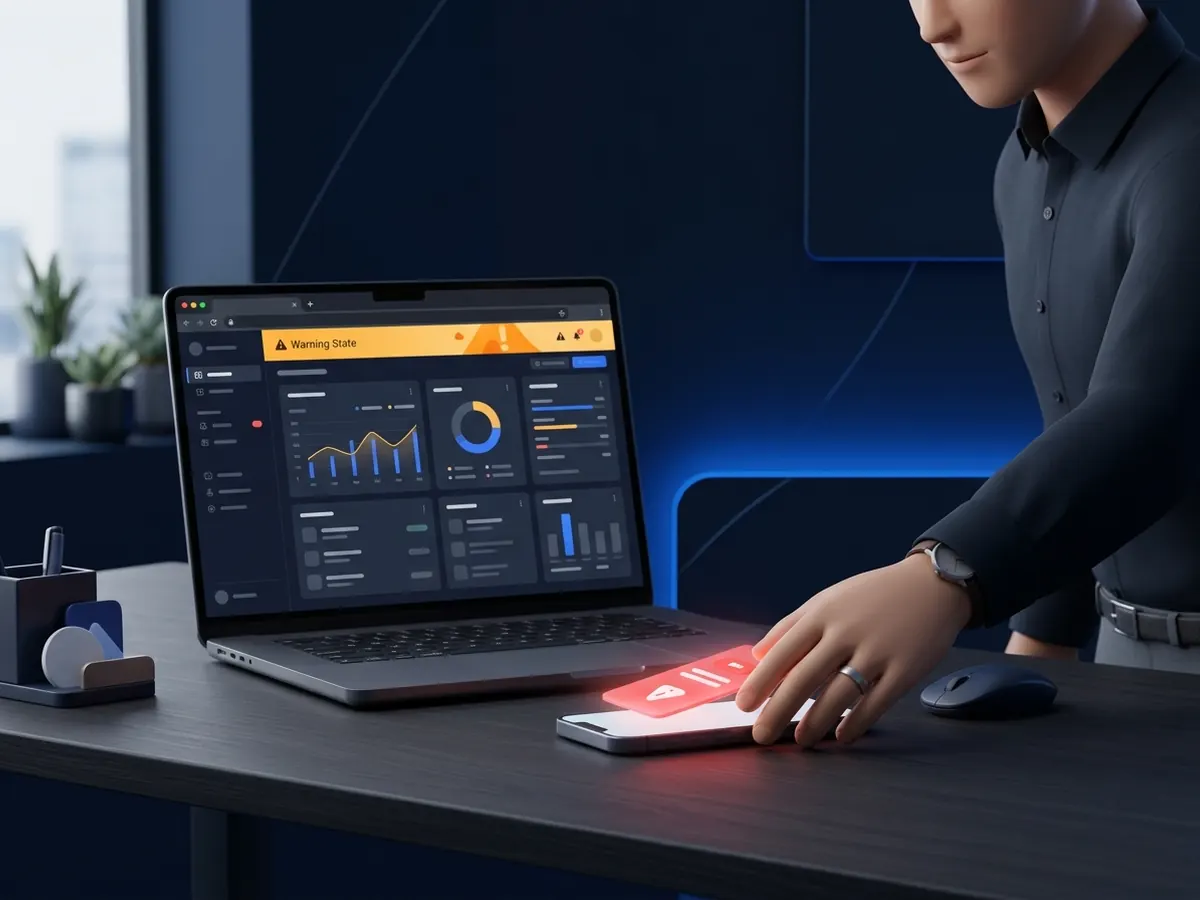
A phone on a desk lighting up with a red alert
Example

02

Hear about it before customers do

You learn about the problem from an instant alert rather than a customer complaint, giving you time to act before damage spreads.

  • Instant alerts Sends an immediate notification through your preferred channel when a page fails to respond.

  • Outage logging Logs the exact start time, total downtime duration, and recovery timestamp in a clear event history.

  • Flexible channels Alerts arrive via Slack, email, or your team’s preferred messaging tool.

Get instant alerts
A padlock shield, a calendar and a clock above a laptop
Example

03

No surprise certificate expiry

You are warned before your SSL certificate expires, so visitors never encounter a “not secure” warning.

  • Early SSL warning Monitors certificate expiration dates in advance so renewals are never a last-minute surprise.

  • Response time tracking Flags abnormal server latency and slowdowns to detect infrastructure bottlenecks early.

Track your certificate
// Before / After

Checkout page: the outage and after

Drag the handle: an outage nobody noticed on the left, the same outage caught and fixed on the right.

A working shop page with product cards and a full cart icon
A shop page in an error state with an empty cart icon
BeforeAfterExample

BeforeThe cart page returns an error; ads keep getting clicks and visitors land on a broken page and leave.

AfterThe outage is caught on the next check and an alert goes out; the page is fixed and visitors carry on shopping.

// How it works

How does it work?

01Step

Specify critical URLs

Add your home page, checkout flow, contact forms and active ad landing pages to the monitoring list.

02Step

The agent checks regularly

The agent visits pages at set intervals, verifying HTTP status codes, page content and SSL certificate validity.

03Step

Get notified immediately

When a page goes down or an SSL certificate nears expiration, an immediate alert is sent to your selected channel.

04Step

Track recovery and downtime

Once the page recovers, the recovery timestamp is logged and total downtime is documented in a clear event history.

// Comparison

How can you monitor website uptime?

CriteriaLearning from a customerGeneral monitoring tools
Verimly Uptime Agent
Detection speedHours or days laterDepends on the tool’s check intervalOn the next check, with an instant alert
Check coverageOnly the screen a user complained aboutWhatever checks you set upCritical funnels, button/text presence and SSL combined
Ad budget protectionAd spend keeps running to broken landing pagesYou choose the pages to watchHighlights outages on active ad landing pages
Setup and ease of useZero setup but high financial riskYou set it up yourselfWe choose the key pages together
Logging and reportsNo records kept; cause and duration remain unknownThe tool’s own dashboard and logsClear downtime duration, recovery timeline and history
// FAQ

Frequently asked questions

Who can use the agent?

The agent is available only to Verimly clients (audit, ad management, ad consulting and Fractional CMO); it is not sold separately. Request a review and we will find the right service for you together.

What is the check interval and how often does it probe?

We set the check interval with you, based on how critical each page is. The priority is catching a broken page early, before ad budget flows to it.

Which channels do alerts come through?

Alerts arrive by email or through the messaging tool your team uses; we choose the channel together during setup.

If a page loads but the checkout or form is broken, will the agent catch it?

Partly. It does not only check the HTTP status code; it can also verify that text such as “Add to Cart” or a form element is on the page. But an element being visible does not mean a purchase can be completed; testing the full checkout end to end needs a separate functional test.

// DEMO

Be the first to know when your site goes down.

Let us review the agent with your website and critical pages, and decide together whether it fits.

Currently available to Verimly clients only.